Foreign card with Apple Pay — pay by phone
Add the card to Wallet and pay with your iPhone or Apple Watch online and in stores worldwide. Issued in 2 minutes, top up in rubles via SBP.
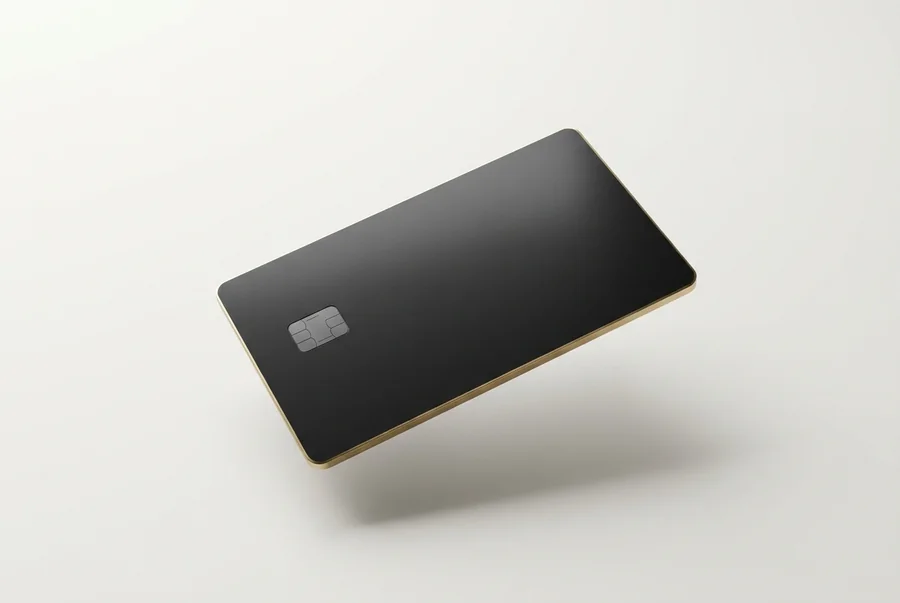
How to add the card to Apple Pay
Get a card
In 2 minutes in Telegram — no bank visit. Premium or Travel fits best.
Add to Wallet
Open Wallet, tap +, enter the card details manually or by scan.
Pay by phone
Online via the Apple Pay button, offline by tapping iPhone or Apple Watch.
What you can pay for
Subscriptions, AI tools, travel, shopping — wherever Apple Pay or international cards are accepted.
AI & subscriptions
ChatGPT, Claude, Netflix, Spotify, App Store, iCloud.
Travel
Booking, Airbnb, Uber and payments on trips.
Shopping
Online stores and one-tap offline payments.
Which card supports Apple Pay
Premium and Travel (USD) support Apple Pay and Google Pay. Subscriptions (EUR) supports Google Pay. All: 3D Secure, SBP top-up.
Choose a cardFAQ
Can I add a card to Apple Pay from abroad?
How do I add the card to Apple Pay?
Does Apple Pay work offline?
Which card is best for Apple Pay?
How do I top up the card?
See also
Get an Apple Pay card in 2 minutes
Issue a card in Telegram and add it to Wallet.